 DailyTechPrices
The Ultimate Guide to Choosing the Best iPhone Charger (iPhone 16 and Newer)
Sep 26, 2026 • Samuel Onoja • Phones
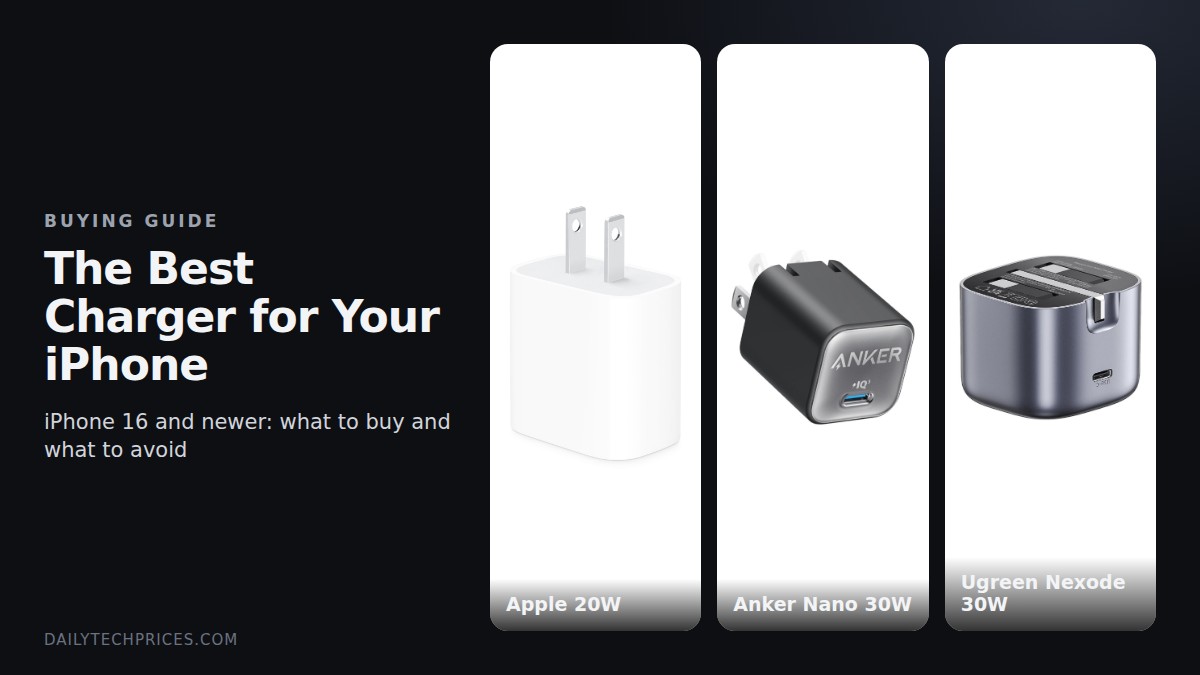
Tired of iPhones that suddenly stop charging, charge painfully slow, or heat up like a stove every night? Nine times out of ten, the problem isn't the phone. It's the charger.
Running a phone store in Nigeria, bad chargers have given me some serious headaches over the years, most especially on the iPhone 16. A customer walks in with a phone that won't charge or keeps disconnecting on the cable, and the story always starts the same way: "I bought a charger from one guy like that." In today's guide, we'll be looking at how to choose the best charger for your iPhone so you don't end up with a ₦1.5 million repair job. Here's what we'll cover: what your iPhone actually needs, cables, MagSafe and wireless charging, how to spot fake chargers, the problems bad chargers cause, NEPA and power surges, and the best setup for each iPhone.
What Your iPhone Actually Needs
First off, let's clear something up. Since the iPhone 15, every iPhone uses USB-C. The old Lightning cables and the small 5W cube chargers are history. What your iPhone needs now is a charger that supports USB Power Delivery, or USB-PD for short, which is the fast-charging standard Apple uses.
Here's how much power each recent iPhone can take:
- iPhone 16, 16 Plus, 16 Pro and 16 Pro Max: about 30W, or 50% in around 30 minutes, so you need at least a 20W charger, and 30W for the best speed
- iPhone 17 Pro and 17 Pro Max: 40W, or 50% in around 20 minutes, so go for 40W or higher
- iPhone 18 Pro and 18 Pro Max: 60W, or 50% in around 15 minutes, so go for 60W or higher
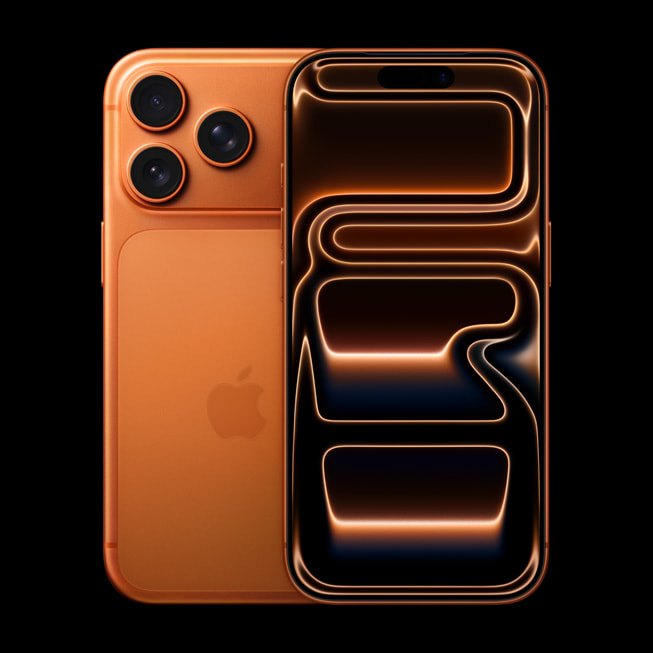
Now, here's something many people don't know. A higher-wattage charger won't hurt your iPhone. A good USB-PD charger only gives the phone the power it asks for. You can charge an iPhone 16 with a genuine 65W laptop charger, and it will still only take about 30W. The danger is never a big charger. It's a bad charger.
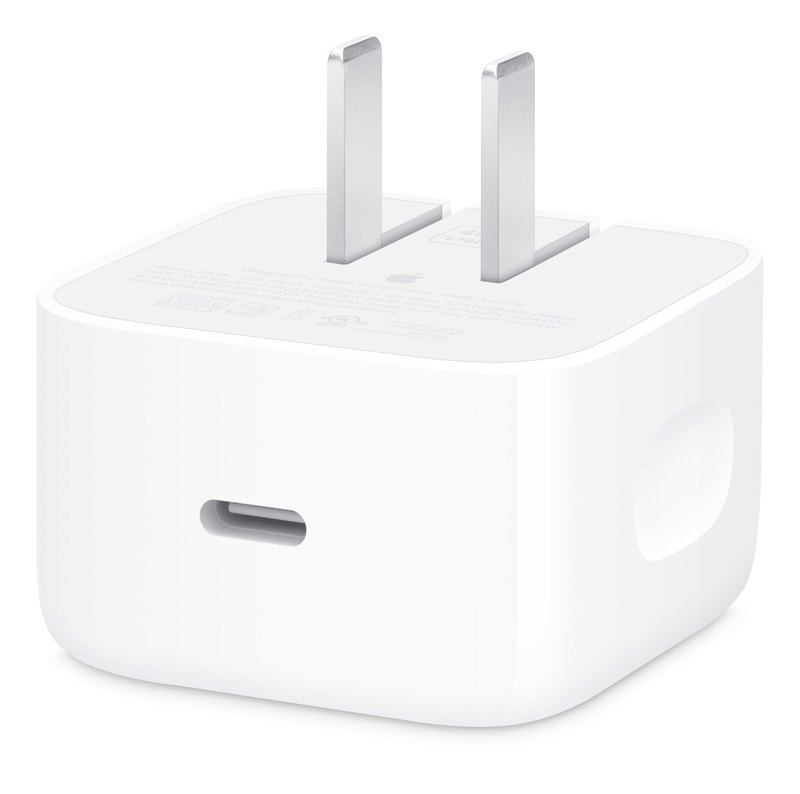
Also, a 5W charger won't damage your phone, but it's just slow. An iPhone 16 Pro Max will take hours to fill up on one.
One more thing: use the UK plug version. Nigeria uses the three-pin UK socket, so don't force a US two-pin charger into a converter that wobbles in the socket. A loose connection causes sparks and power spikes, and your phone takes the hit.
The Cable Matters Too
That aside, a great charger with a bad cable is still a bad setup. The cable carries all that power to your phone, and cheap cables use thin wires that heat up.
For the best results, you need a USB-C to USB-C cable rated for at least 60W, which covers every iPhone from the 16 to the 18 Pro. Look for cables from Apple, Anker, Belkin, Ugreen or Baseus, and avoid the loose unbranded ones sold in bundles of ten.
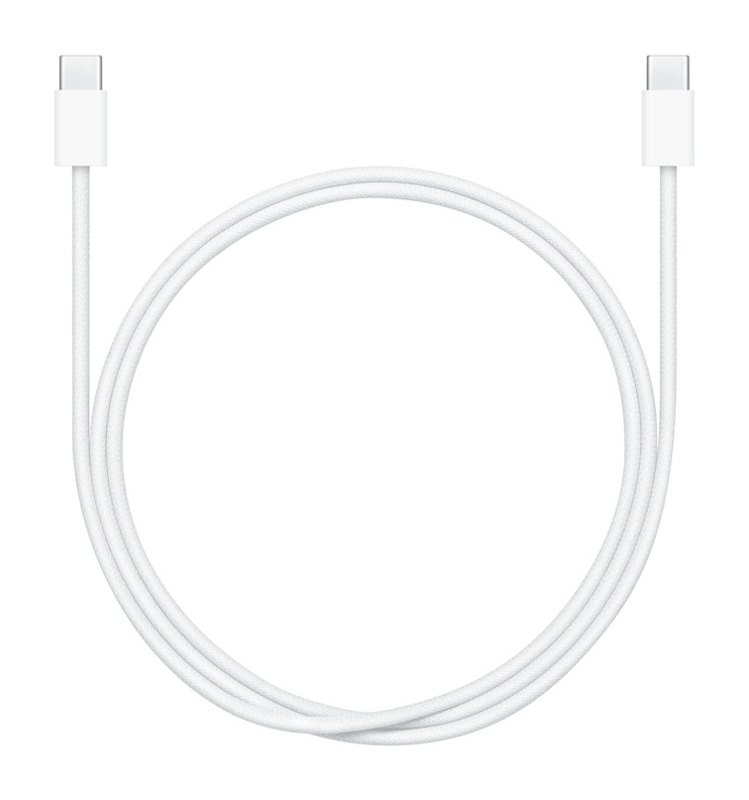
Watch out for these signs of a bad cable:
- The plug feels loose or wobbly in the iPhone's port
- The cable or plug gets hot while charging
- Charging starts and stops when you move the cable
- The outer rubber is cracked or peeling near the plug
In a nutshell, budget for the cable too. A ₦3,000 cable can ruin a ₦1.5 million phone.
MagSafe and Wireless Charging
If you like wireless charging, the iPhone 16 and newer support up to 25W with Apple's new MagSafe charger or a Qi2.2 charger. MagSafe is Apple's magnetic wireless charger that snaps onto the back of the phone, and Qi2.2 is the newer universal version of the same idea. To actually get 25W, you need to plug the MagSafe charger into a 30W or higher adapter. Older MagSafe chargers and basic wireless pads are much slower.
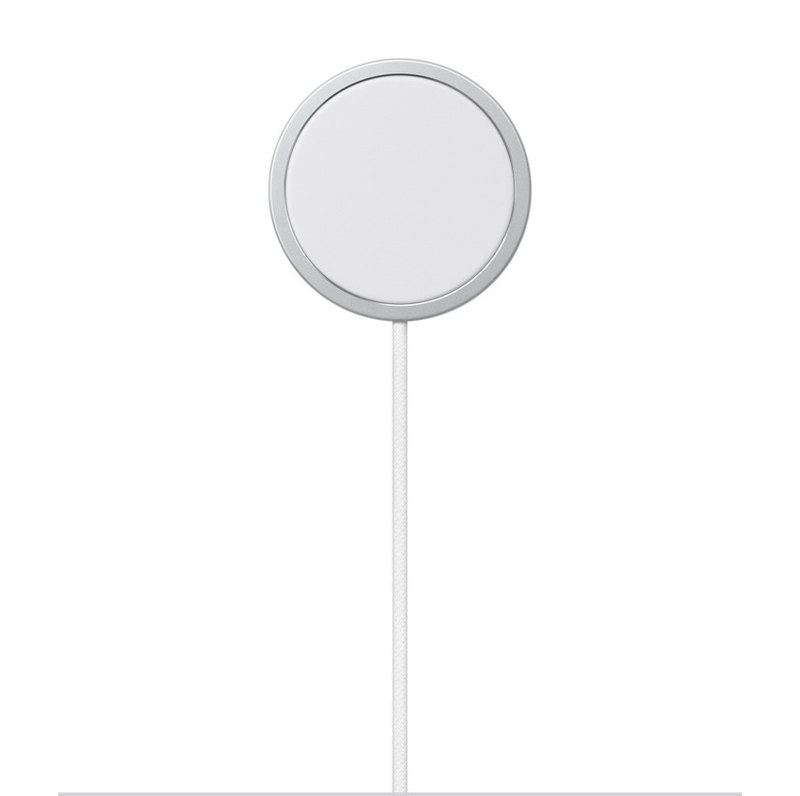
Of course, wireless charging creates more heat than a cable. That's fine now and then, but if you care about battery health, a wired charger is still the gentler option.
How to Spot a Fake Apple Charger
This is where most of the trouble starts. Fake Apple 20W chargers are everywhere in Computer Village and on Instagram, and some of them look very convincing in the pack. Here's how to tell the difference:
- Weight: a genuine Apple 20W charger weighs about 55 to 58 grams and feels solid, while fakes usually weigh 32 to 42 grams and feel hollow
- Serial number: a genuine one has a tiny code etched inside the USB-C port that matches the box, while fakes are blank or don't match
- Text: genuine chargers have crisp, light grey text that says "Designed by Apple in California", while fakes use darker, raised ink that can rub off
- Casing: genuine ones are matte white with smooth seams, while fakes are glossy with rough or uneven seams
- Prongs: genuine prongs have a matte finish and are firm and straight, while fake ones are shiny and sometimes loose or crooked
- USB-C port: genuine ports have a centered tab and neat gold pins, while fakes have an off-center tab, silver pins and visible solder marks
- Price: if it's sold as "original" at a price that's too good to be true, it probably is
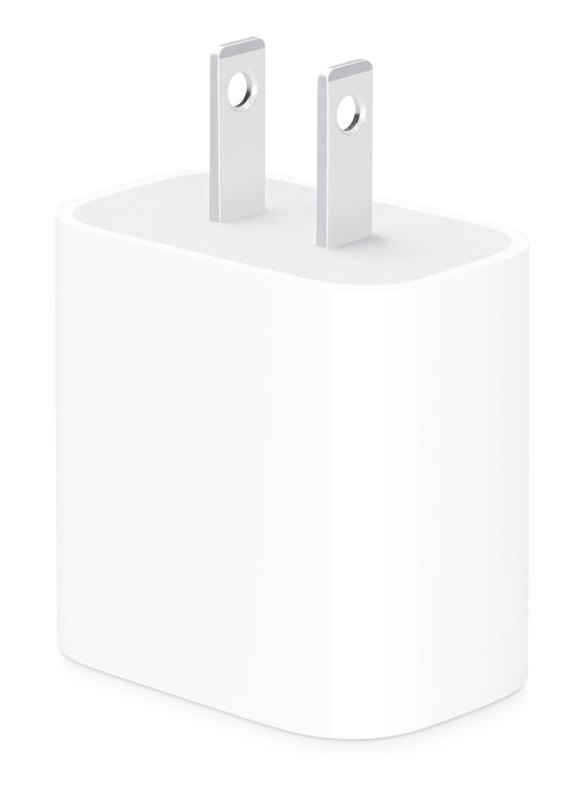
To be honest, the weight test is the easiest one. If you run a shop, keep a small kitchen scale for this. A genuine Apple charger has copper coils, heat sinks and proper insulation inside. Fakes cut all of that out, which is exactly why they're dangerous.
Problems Bad Chargers Cause on the iPhone 16
In my store, the iPhone 16 has been one of the phones hit hardest by bad chargers. Here are the issues that usually walk in through the door:
- Phone won't charge at all: a power spike from a bad charger can damage the charging circuit on the logic board, the phone's main circuit board, and that's not a cheap repair
- Slow or on-and-off charging: often caused by a worn or damaged USB-C port from cheap, loose-fitting plugs
- Ghost touch while charging: the screen starts tapping and swiping on its own when plugged in, because poorly built chargers leak electrical noise that confuses the touchscreen
- Overheating: cheap chargers don't regulate power well, so both the phone and the charger get hot
- Battery health dropping fast: heat is the enemy of lithium batteries, and a phone that runs hot on a bad charger every night will see its battery health drop much faster than normal
Either way, most of these problems cost far more to fix than a genuine charger costs to buy.
NEPA, Generators and Power Surges
Of course, in Nigeria, the charger isn't the only problem. The power itself is. NEPA comes and goes, voltage rises and falls, and generators kick in with spikes that can travel straight through a charger into your phone.
A good charger handles a lot of this on its own, but here's how to add extra protection:
- Use a surge protector extension, not a basic one, and look for one with a surge rating and an indicator light
- Don't charge right when the light comes back; give it a few seconds for the voltage to settle, or better still, use a stabilizer or UPS
- Be careful with generator power, because small generators produce rough, unstable power, so charge from an inverter or a power bank instead if you can
- Use a power bank as a middle ground: charge the power bank from the wall, then charge your iPhone from the power bank, so the power bank takes the hit instead of your phone
In a nutshell, a surge protector costs far less than a new charging port or a logic board repair.
The Best Charger Setup for Your iPhone
Here's what I recommend for each iPhone:
- iPhone 16 and 16 Plus: a genuine Apple 20W, or a 30W USB-C PD charger from Anker, Belkin, Ugreen or Baseus, with a 60W USB-C to USB-C cable
- iPhone 16 Pro and 16 Pro Max: a 30W USB-C PD charger with a 60W USB-C to USB-C cable
- iPhone 17 Pro and 17 Pro Max: a 40W or higher USB-C PD charger with a 60W cable
- iPhone 18 Pro and 18 Pro Max: a 60W or higher USB-C PD charger with a 60W or higher cable
- For wireless on any of them: a MagSafe or Qi2.2 charger plugged into a 30W adapter
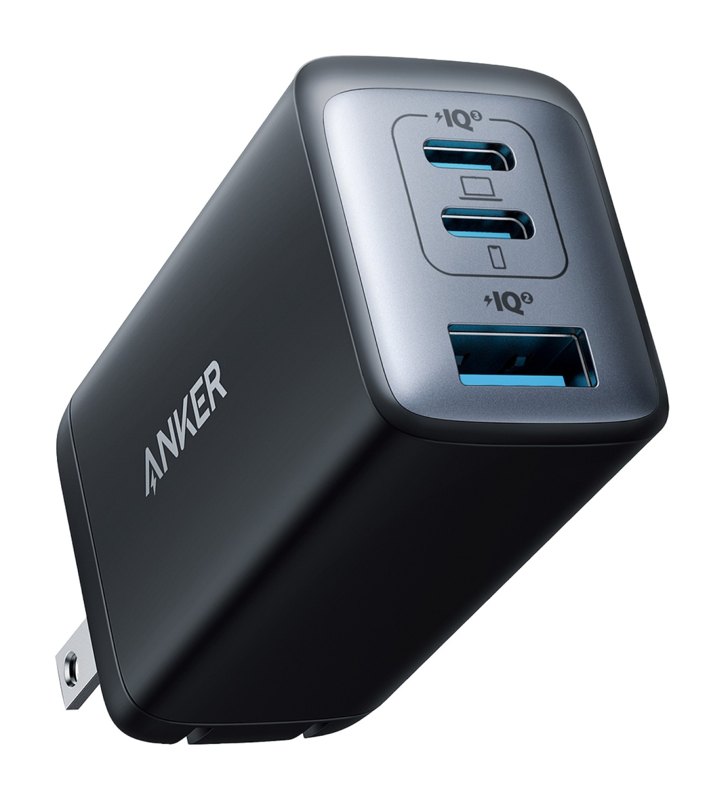
- For homes with more than one device: a 65W GaN charger with two or three USB-C ports
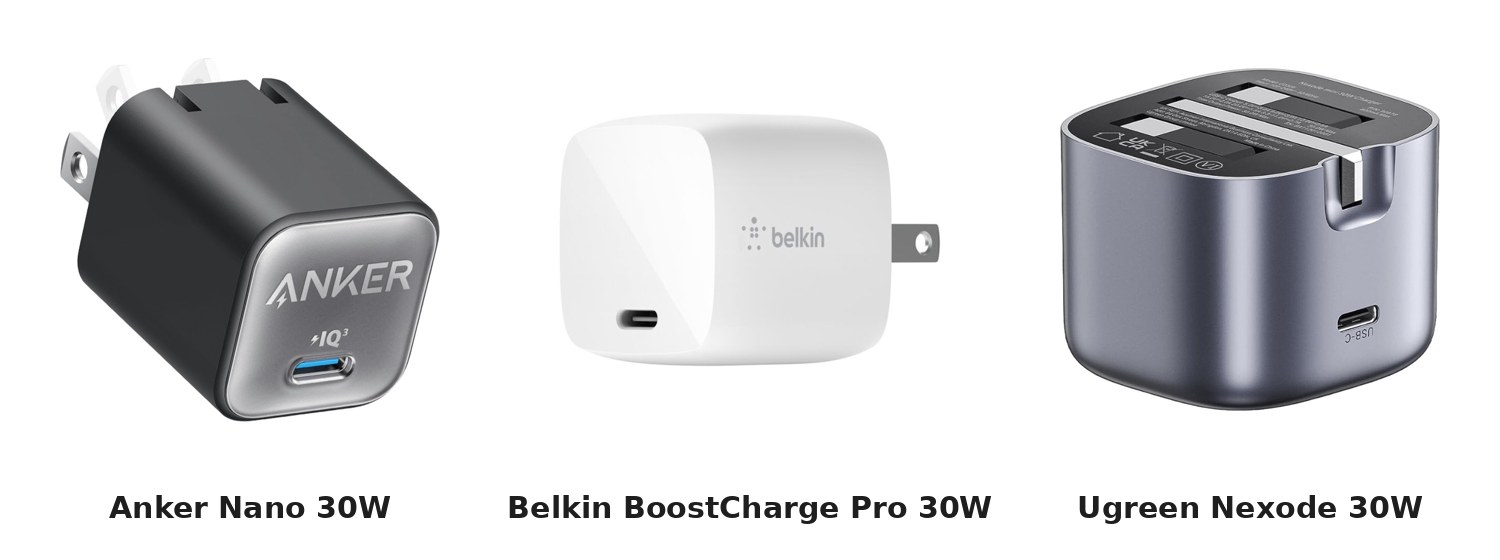
A GaN charger is a smart buy if you charge more than one device. GaN, short for gallium nitride, is a newer material that makes chargers smaller and cooler, and one 65W unit can charge your iPhone, AirPods and even a MacBook Air.
A Checklist for Phone Stores
If you sell accessories like I do, the chargers on your shelf are your reputation. One bad batch means angry customers and phones coming back for repair. Here's my checklist before stocking any charger:
- Buy only from authorized distributors or the brand's official Nigerian partners, never from random bulk sellers
- Weigh a sample from every new batch and compare it to a known genuine unit
- Check that the box and the charger clearly state USB-PD and the wattage
- Look for certification marks like CE, FCC or UL, and confirm the importer has SONCAP clearance
- Test each batch on a real iPhone with a USB-C power meter to confirm the wattage it delivers
- Check that the charger stays cool after 30 minutes of fast charging
- Stock UK three-pin plugs, not US plugs with converters
- Sell cables and chargers as a pair, so customers don't pair a good charger with a bad cable
- Don't label anything "original" unless you can prove it
A cheaper charger means better profit today, but a repair headache tomorrow. Stock fewer, better chargers.
Pros and cons
Pros of going genuine
- Protects the charging port, the logic board and the battery from damage
- Faster and more stable charging, with no on-and-off disconnections
- Fewer returns and complaints from customers
- Builds trust, so customers keep coming back to your store
Cons of going genuine
- Costs more upfront than unbranded chargers
- Lower profit margins than fake or unbranded stock
- Harder to source in bulk
Price
A genuine Apple 20W charger and trusted brands like Anker, Belkin, Ugreen and Baseus are available from authorized phone stores across Lagos, Abuja and Port Harcourt, as well as on Jumia, Amazon and AliExpress. Expect to pay a bit more than the unbranded ones, and that's exactly the point.
Finally, what's the best charger for your iPhone? Here's my verdict.
Your iPhone is only as safe as the charger you plug it into. For an iPhone 16, get a genuine 20W to 30W USB-C PD charger, pair it with a good 60W cable, and plug it into a surge protector. For the iPhone 17 Pro and 18 Pro, move up to 40W and 60W. And stay away from anything light, shiny and suspiciously cheap.
Related Reading
FAQ
What is the best charger for the iPhone 16? A genuine 20W or 30W USB-C Power Delivery charger from Apple or a trusted brand like Anker, Belkin, Ugreen or Baseus. The iPhone 16 Pro and Pro Max charge fastest with 30W.
Can a higher-wattage charger damage my iPhone? No. A good USB-PD charger only sends the power the iPhone asks for. It's fake and poorly built chargers that cause damage.
How can I tell if my Apple charger is fake? Weigh it. A genuine Apple 20W charger weighs about 55 to 58 grams, while fakes usually weigh 32 to 42 grams. Also check for a serial number inside the USB-C port that matches the box.
Why does my iPhone screen move by itself while charging? That's called ghost touch, and it's usually caused by a poorly built charger or cable. Switch to a genuine charger and the problem usually stops.
Is it safe to charge my iPhone on generator power? It's safer to use a surge protector, a stabilizer, or a power bank. Small generators can produce unstable power that damages chargers and phones.