 DailyTechPrices
Wi-Fi 8 Explained: What It Is and Should Nigerians Care Yet?
Oct 2, 2026 • Sam for DailyTechPrices • Guides
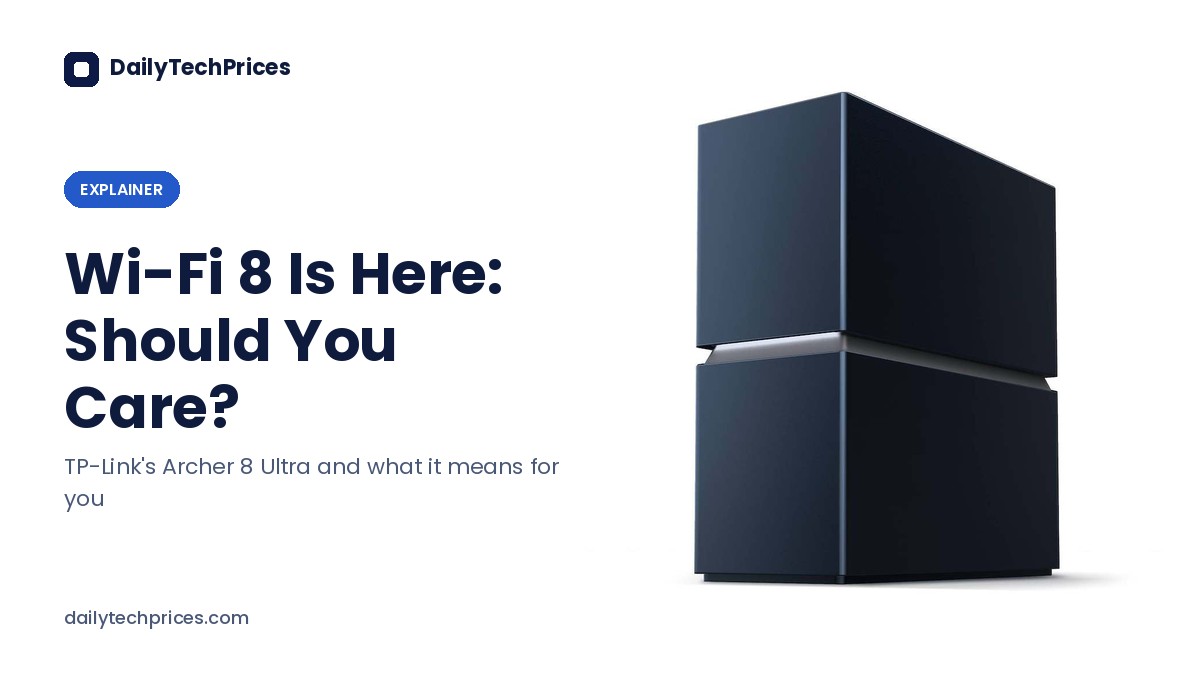
Just when you thought you had finally caught up with Wi-Fi 7, here comes Wi-Fi 8. But does a new Wi-Fi standard actually mean faster internet for someone using a MiFi in Lagos or a Starlink kit in Abuja?
I’ve been a fan of good home networking for a while now, mostly because a weak router can make even the best internet plan feel slow. In today’s post, we’ll be looking at Wi-Fi 8 and TP-Link’s first Wi-Fi 8 router, the Archer 8 Ultra, to see whether it’s something Nigerians should care about right now. Here’s what we’ll cover: what Wi-Fi 8 is, how it differs from Wi-Fi 7, the Archer 8 Ultra, the FCC drama in the US, price, and what it all means for Nigerian homes.
As usual, I haven’t tested this router myself. Everything here comes from TP-Link’s official store listing and launch coverage.
What Is Wi-Fi 8?
First off, Wi-Fi 8 is the friendly name for IEEE 802.11bn, the next version of the Wi-Fi standard after Wi-Fi 7 (802.11be). The IEEE is the engineering body that writes the technical rules that let your phone and router talk to each other.
Now, here’s the interesting part. The standard isn’t actually finished yet. According to Datafloq, Draft 2.0 of 802.11bn was approved in July 2026, final IEEE approval is targeted for May 2028, and Wi-Fi Alliance certification (the official “Wi-Fi 8” stamp on products) is expected to open around January 2028. So routers you can buy today are built on a draft version of the standard.
Wi-Fi 8 vs Wi-Fi 7 in Plain Language
To be honest, the big change with Wi-Fi 8 isn’t a bigger speed number on the box. Wi-Fi 7 already brought very high peak speeds. Wi-Fi 8 is mostly about reliability, meaning your connection stays fast and steady even when you’re far from the router or when lots of devices and neighboring networks are competing for airtime.
One of the key ideas is Multi-AP Coordination. An AP (access point) is any device broadcasting Wi-Fi, like a router or a mesh node. With Wi-Fi 8, access points can coordinate with each other, including coordinated beamforming (aiming the signal toward your device), so they get in each other’s way less. The result should be fewer latency spikes and less jitter. Latency is the delay before data arrives, and jitter is how much that delay jumps around, which is what makes video calls freeze and games lag.
TP-Link says the Archer 8 Ultra delivers up to 33% more throughput than Wi-Fi 7 at mid-to-long ranges, and up to 24% more consistent throughput under heavy interference. It also claims lower latency than Wi-Fi 7 at the same distance. Keep in mind those are TP-Link’s own figures.
In a nutshell, think of Wi-Fi 7 as a wider road, and Wi-Fi 8 as better traffic management on that road. Anyone who has sat in Third Mainland Bridge traffic knows the second one matters just as much.
The TP-Link Archer 8 Ultra
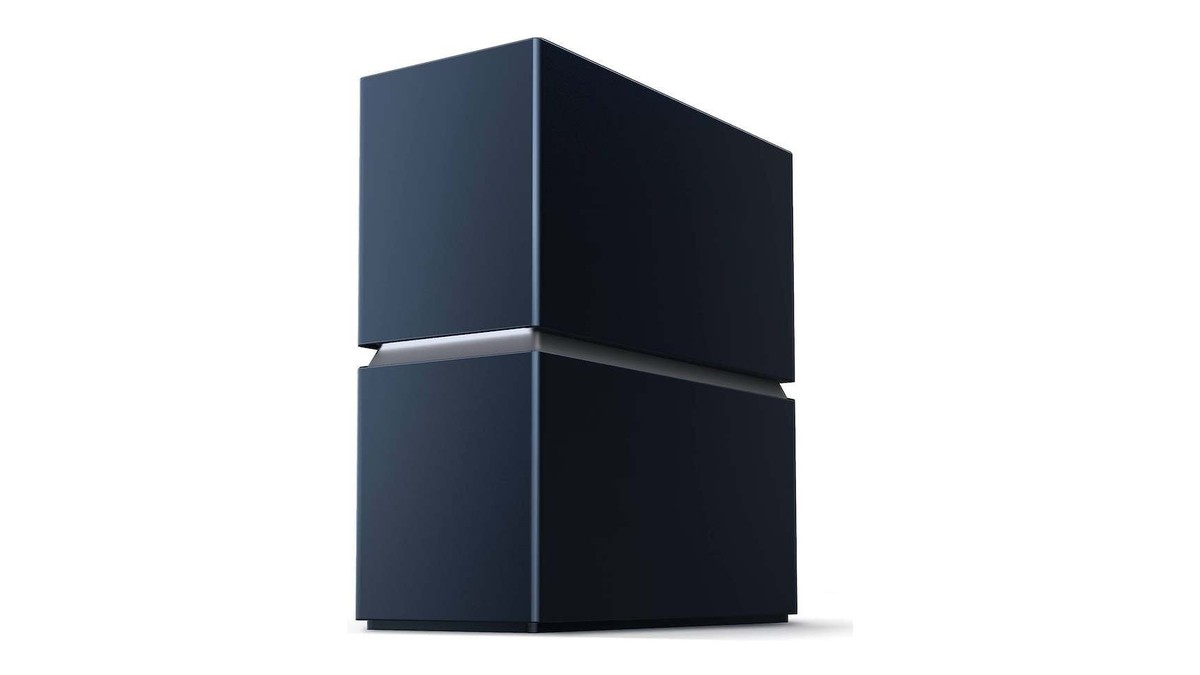
The Archer 8 Ultra (model BN19000) is TP-Link’s first Wi-Fi 8 router, and it went up for preorder on September 30, 2026 in the UK, Germany, Australia and other markets. It’s not actually the first Wi-Fi 8 router announced, though; Aroged notes ASUS’s ROG Rapture GT-BN98 got there first.
You get tri-band Wi-Fi 8 with a combined speed of up to 19Gbps, split as 11.5Gbps on 6GHz, 5.76Gbps on 5GHz and 1.38Gbps on 2.4GHz. It runs on a Broadcom Wi-Fi 8 chipset with 18 internal antennas, and TP-Link claims coverage of up to 3,600 square feet and support for up to 200 connected devices.
The ports are just as serious:
- 2x 10Gbps ports (WAN/LAN, auto-sensing)
- 4x 2.5Gbps LAN ports
- 1x 1Gbps LAN port
- 1x USB 3.0 port
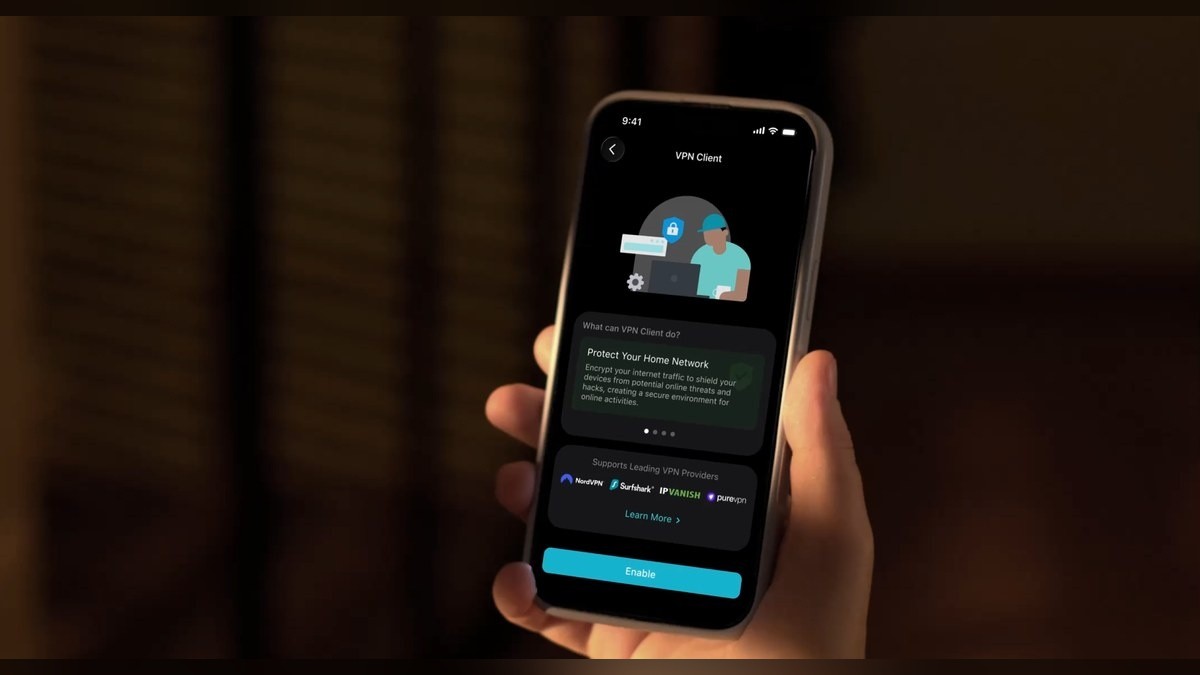
That aside, you also get NFC setup, TP-Link’s HomeShield security, an AI assistant called Aireal inside the Tether app, and a “WiFi 8 StabilityEngine” for handling interference. It’s a big, boxy desktop router measuring 226 x 98 x 245.6mm.
Why Americans Can’t Buy It (Yet)
Here’s the twist. The US was left off the launch list. According to Tom’s Hardware, an FCC freeze tied to alleged China-related national security concerns has effectively blocked new TP-Link Wi-Fi 7 and Wi-Fi 8 products from the US market. Rivals like Netgear, ASUS and Amazon’s Eero have received conditional approvals, but TP-Link hasn’t, and it still has no confirmed US release date.
Of course, this doesn’t directly affect us in Nigeria. TP-Link products are widely sold here, so if the Archer 8 Ultra comes to Nigeria, it’ll be through the usual importers and retailers, not the US.
The Catch: Your Devices Don’t Support It Yet
Now, this is the part most people miss. To get the full benefit of Wi-Fi 8, both your router and your device need to support it. According to TechRadar, there isn’t any consumer phone, tablet or laptop that supports Wi-Fi 8 yet, and those devices aren’t expected until next year, and even then they’ll be thin on the ground.
For context, Apple’s current iPhone Air uses Apple’s N1 chip, which supports Wi-Fi 7, not Wi-Fi 8. Your older Wi-Fi 6 and Wi-Fi 7 devices will still connect to a Wi-Fi 8 router, but TechRadar says the benefits will be slight for now.
Should Nigerians Care?
Regardless of how impressive the Archer 8 Ultra is, the honest answer for most Nigerians is: not yet.
Here’s why. Wi-Fi only controls the connection between your router and your devices inside your home. It doesn’t make the internet coming into your home any faster. According to Ookla data reported by Nairametrics, Nigeria’s median fixed broadband download speed was 34.47Mbps in the first half of 2026. That’s a big improvement from 13.5Mbps in 2023, but it’s nowhere near what even a basic Wi-Fi 6 router can handle.
Also, most of us are connecting through a MiFi, a 5G router from MTN or Airtel, or a Starlink kit. The router inside Starlink’s Gen 3 standard kit is a tri-band Wi-Fi 6 router, according to Starlink’s own spec sheet. So even if you bought a Wi-Fi 8 router, your internet plan and your phone would still be the bottleneck.
On the other hand, there are a few people who might actually benefit:
- Large homes or offices with lots of connected devices and heavy interference
- People already on fast fiber plans who want a router that’ll last many years
- Tech enthusiasts who simply want the newest gear
For everyone else, a good Wi-Fi 6 or Wi-Fi 7 router, placed properly in your house, will do more for you than chasing Wi-Fi 8 right now.
Pros and cons
Pros
- Wi-Fi 8 focuses on stable speeds and lower latency, not just peak numbers
- TP-Link claims up to 33% more throughput than Wi-Fi 7 at mid-to-long range
- The Archer 8 Ultra has 10Gbps and 2.5Gbps ports and supports up to 200 devices
- Your current Wi-Fi 6 and Wi-Fi 7 devices will still work with it
Cons
- The 802.11bn standard isn’t final yet, and certification isn’t expected until 2028
- No phones, tablets or laptops support Wi-Fi 8 yet
- It’s very expensive for a router
- It won’t make a slow MiFi, 5G or Starlink connection any faster
Price
On TP-Link’s official UK Tapo store, the Archer 8 Ultra is listed at £899.99, with shipping from November 15. TechRadar reports an early preorder price of £669.99. In Germany, it’s listed at €799.90.
At roughly $1.35 to the pound, £899.99 is about $1,215, or around ₦1,683,000, while the £669.99 preorder price works out to about $904, or around ₦1,252,000. TP-Link hasn’t announced Nigerian availability or pricing yet.
Finally, should you care about Wi-Fi 8? Here’s my verdict.
If you’re a regular Nigerian user on a MiFi, 5G router or Starlink, Wi-Fi 8 isn’t something you need to think about for at least another year or two. Your money is better spent on a solid Wi-Fi 6 or Wi-Fi 7 router, or on a better data plan. That said, Wi-Fi 8 is a genuinely useful upgrade for busy homes and offices, and once phones and laptops start supporting it, I’ll be paying close attention.